[et_pb_section fb_built=”1″ theme_builder_area=”post_content” _builder_version=”4.27.4″ _module_preset=”default”][et_pb_row _builder_version=”4.18.0″ _module_preset=”default” width=”100%” custom_margin=”|||0px|false|false” global_colors_info=”{}” theme_builder_area=”post_content”][et_pb_column type=”4_4″ _builder_version=”4.18.0″ _module_preset=”default” global_colors_info=”{}” theme_builder_area=”post_content”][et_pb_code _builder_version=”4.27.4″ _module_preset=”default” global_colors_info=”{}” theme_builder_area=”post_content”]

What You Need:

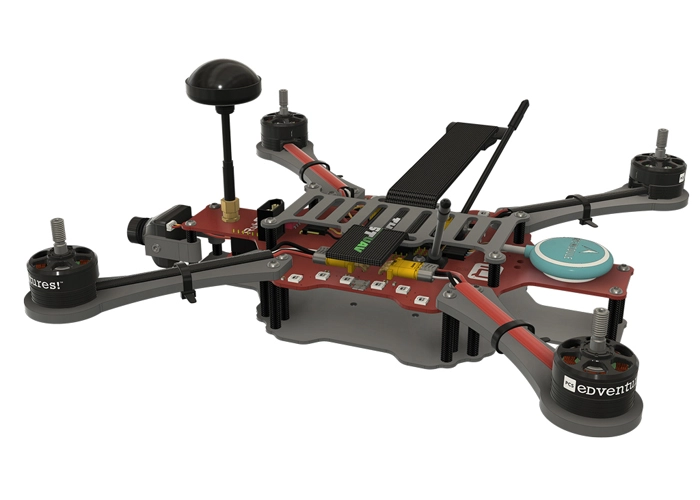
RubiQ 2.0
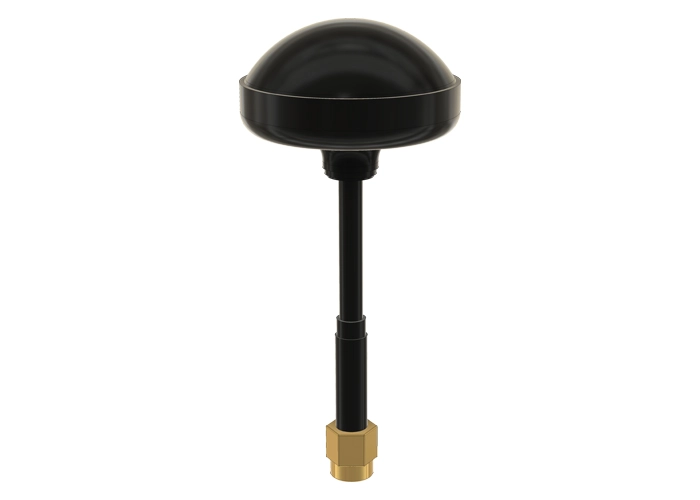
Antenna
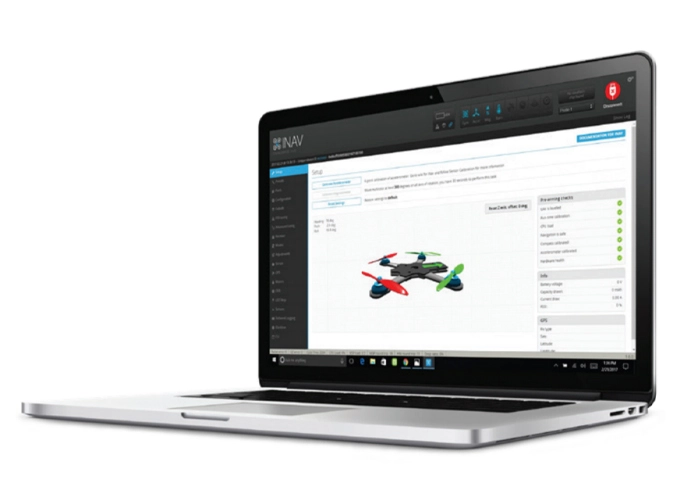
INAV 1.9.3
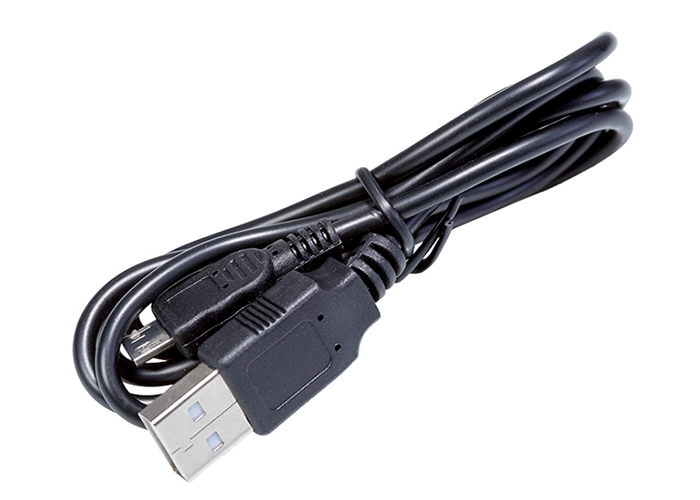
USB Cable
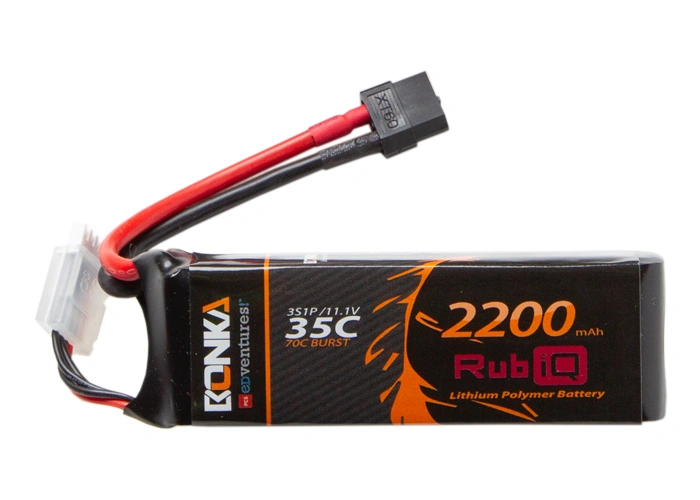
LiPo Battery
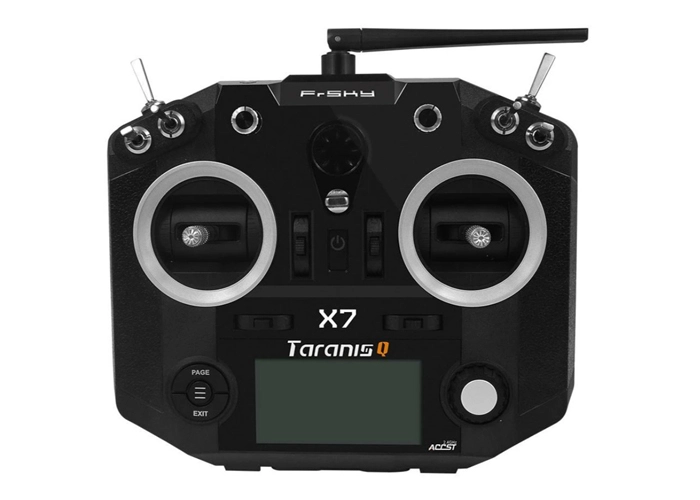
Taranis Q X7
[/et_pb_code][et_pb_text _builder_version=”4.27.4″ _module_preset=”default” width=”100%” global_colors_info=”{}” theme_builder_area=”post_content”]

Steps:

WARNING! Remove props and attach the antenna before verifying channel mapping.

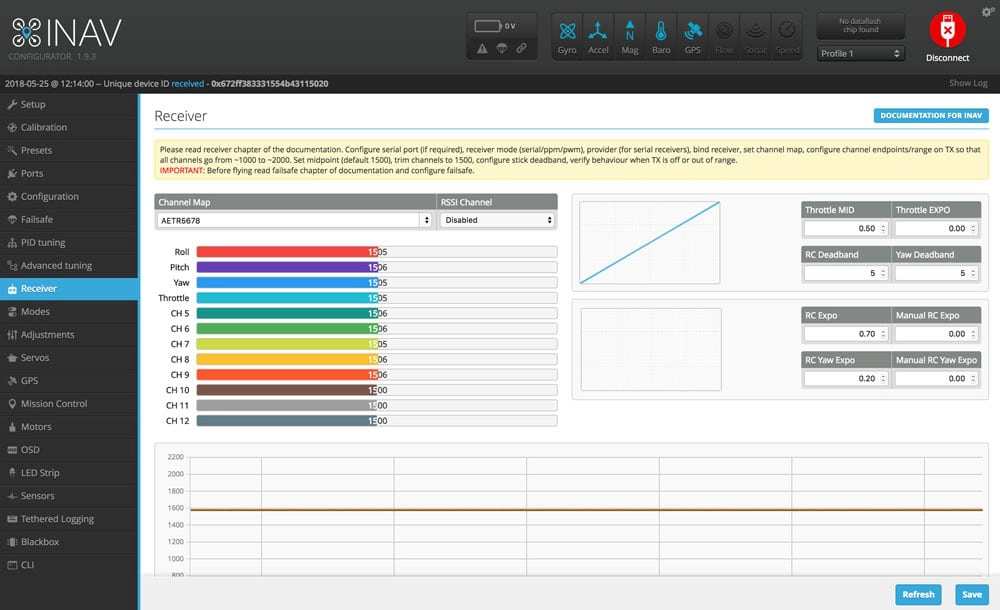
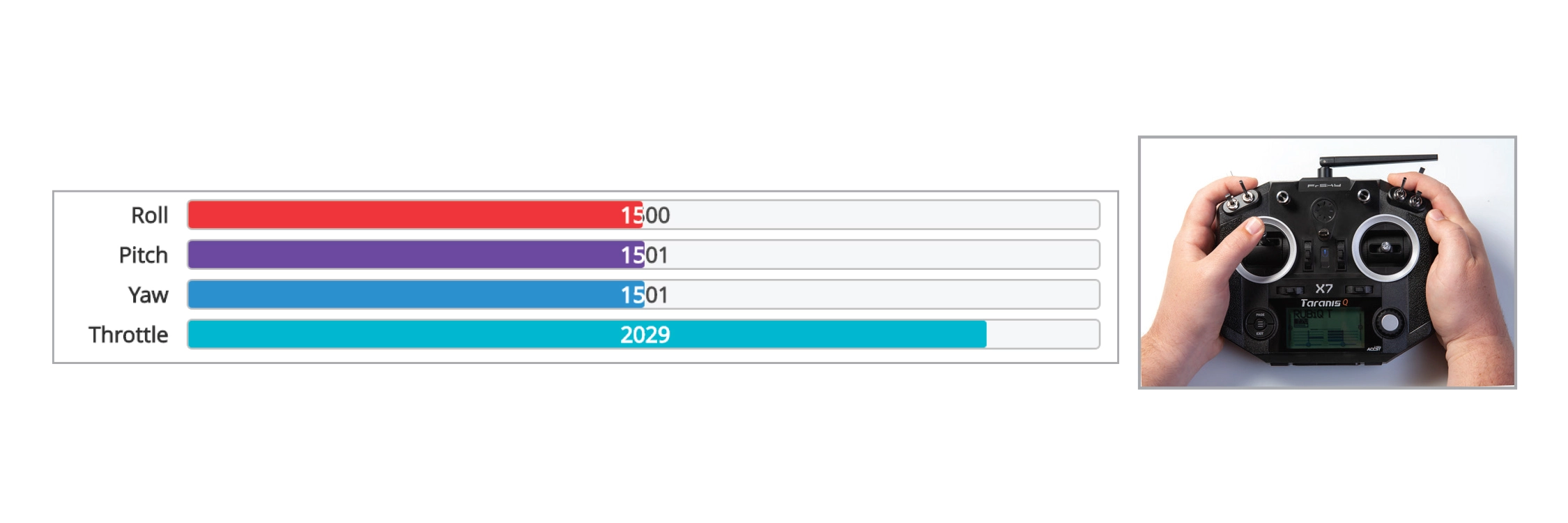
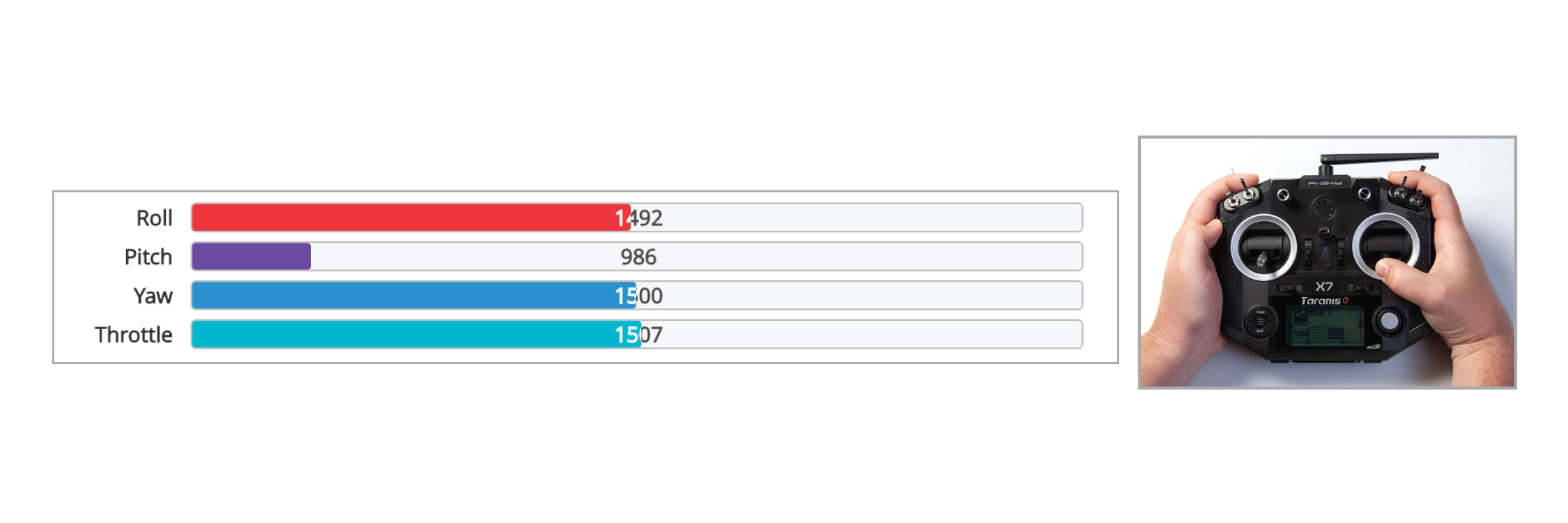
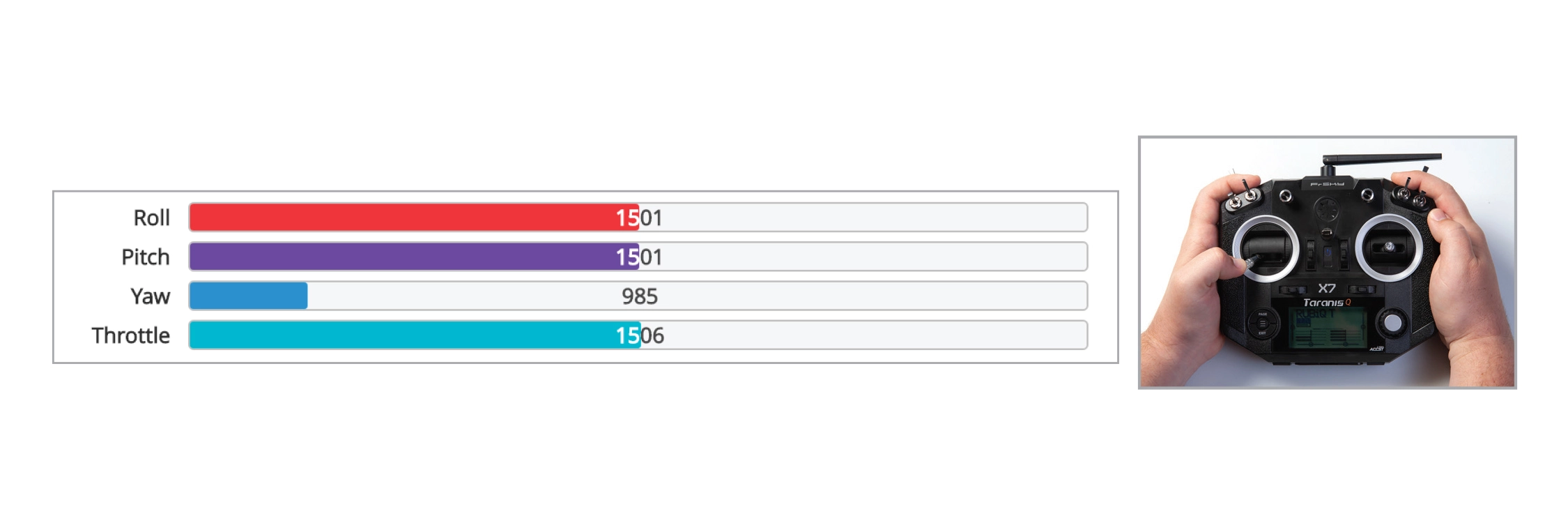
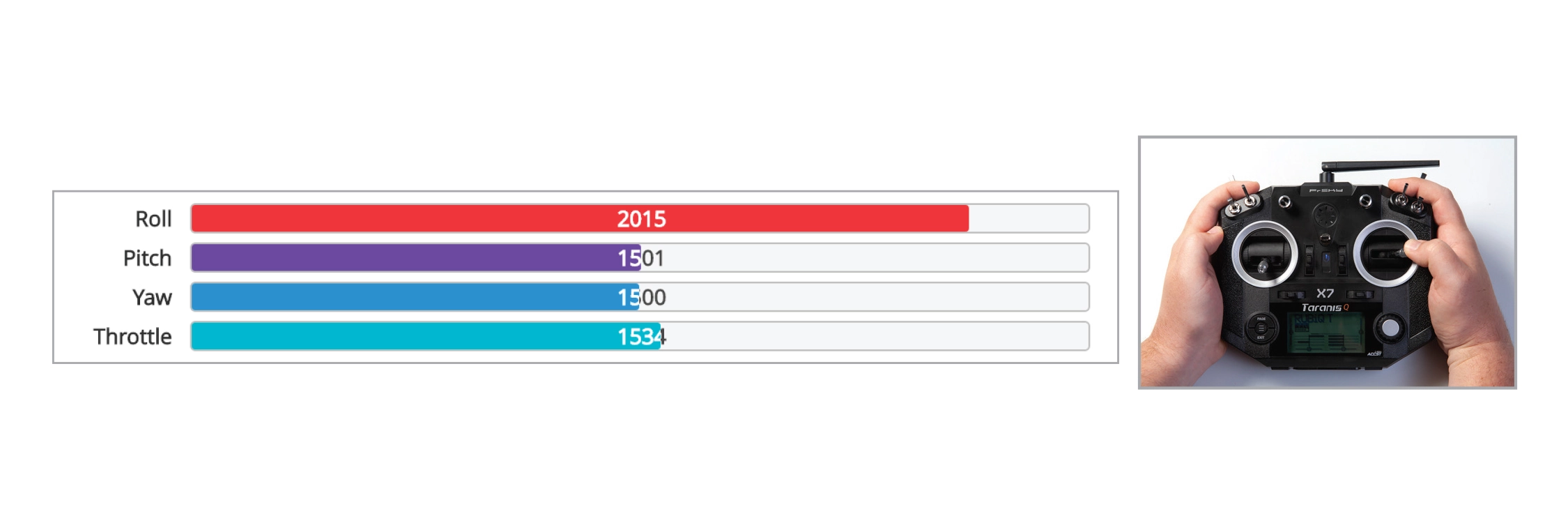
To check that the bind was successful, connect RubiQ to INAV with the USB cable and attach her battery. Connect, and open the Receiver tab.[/et_pb_text][et_pb_image src=”https://staging.resources.edventures.com/wp-content/uploads/2025/06/Receiver-Tab-1.9.3.webp” title_text=”Receiver-Tab-1.9.3″ show_in_lightbox=”on” _builder_version=”4.27.4″ _module_preset=”default” global_colors_info=”{}” theme_builder_area=”post_content”][/et_pb_image][et_pb_text _builder_version=”4.27.4″ _module_preset=”default” global_colors_info=”{}” theme_builder_area=”post_content”]To check the channel map settings, throttle up and down, pitch forward and back, roll and yaw left and right and watch to see that the corresponding bars move on the screen.[/et_pb_text][et_pb_text _builder_version=”4.27.4″ _module_preset=”default” custom_margin=”||0px||false|false” custom_padding=”||0px||false|false” global_colors_info=”{}” theme_builder_area=”post_content”]

Throttle:

[/et_pb_text][et_pb_image src=”https://staging.resources.edventures.com/wp-content/uploads/2025/06/X7-Throttle.webp” title_text=”X7 Throttle” show_in_lightbox=”on” admin_label=”Throttle:” _builder_version=”4.27.4″ _module_preset=”default” custom_margin=”0px||0px||false|false” custom_padding=”0px||0px||false|false” global_colors_info=”{}” theme_builder_area=”post_content”][/et_pb_image][et_pb_text _builder_version=”4.27.4″ _module_preset=”default” custom_margin=”||0px||false|false” custom_padding=”||0px||false|false” global_colors_info=”{}” theme_builder_area=”post_content”]

Pitch:

[/et_pb_text][et_pb_image src=”https://staging.resources.edventures.com/wp-content/uploads/2025/06/X7-Pitch.webp” title_text=”X7 Pitch” show_in_lightbox=”on” admin_label=”Pitch:” _builder_version=”4.27.4″ _module_preset=”default” custom_margin=”0px||0px||false|false” custom_padding=”0px||0px||false|false” global_colors_info=”{}” theme_builder_area=”post_content”][/et_pb_image][et_pb_text _builder_version=”4.27.4″ _module_preset=”default” custom_margin=”||0px||false|false” custom_padding=”||0px||false|false” global_colors_info=”{}” theme_builder_area=”post_content”]

Yaw:

[/et_pb_text][et_pb_image src=”https://staging.resources.edventures.com/wp-content/uploads/2025/06/X7-Yaw.webp” title_text=”X7 Yaw” show_in_lightbox=”on” admin_label=”Yaw:” _builder_version=”4.27.4″ _module_preset=”default” custom_margin=”0px||0px||false|false” custom_padding=”0px||0px||false|false” global_colors_info=”{}” theme_builder_area=”post_content”][/et_pb_image][et_pb_text _builder_version=”4.27.4″ _module_preset=”default” custom_margin=”||0px||false|false” custom_padding=”||0px||false|false” global_colors_info=”{}” theme_builder_area=”post_content”]

Roll:

[/et_pb_text][et_pb_image src=”https://staging.resources.edventures.com/wp-content/uploads/2025/06/X7-Roll.webp” title_text=”X7 Roll” show_in_lightbox=”on” admin_label=”Roll:” _builder_version=”4.27.4″ _module_preset=”default” custom_margin=”0px||0px||false|false” custom_padding=”0px||0px||false|false” global_colors_info=”{}” theme_builder_area=”post_content”][/et_pb_image][et_pb_text admin_label=”Troubleshooting” _builder_version=”4.27.4″ _module_preset=”default” global_colors_info=”{}” theme_builder_area=”post_content”]If the AUX 5/CH9 bar is active, this indicates the signal strength between RubiQ and the radio controller. It’s common for this bar to pulse back and forth.

Troubleshooting:

If the channels aren’t mapped correctly, (for example, the Roll bar moves in INAV when you raise the throttle on the radio), switch the Channel Map to AETR1234/Default (Aileron, Elevator, Throttle, Rudder) for the Q X7, press save and test the sticks again.

If your bars aren’t moving in INAV, then the bind was not successful. Return to Step 1 of the Configuration Guide and rework through the binding process.

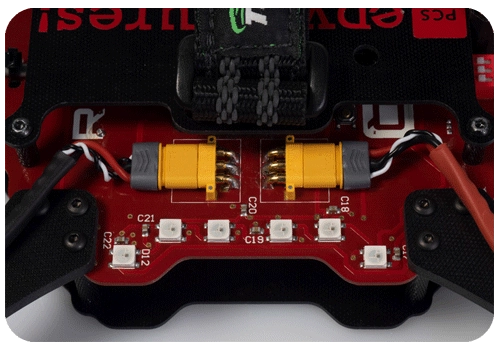
If you continue to experience issues, return to the Download INAV step and check that you’re operating on the correct version of INAV. RubiQ drones with yellow motor connectors, sold from May 2018 – July 2020, require INAV verison 1.9.3[/et_pb_text][et_pb_image src=”https://staging.resources.edventures.com/wp-content/uploads/2025/06/RubiQ-2.0.webp” title_text=”RubiQ-2.0″ show_in_lightbox=”on” _builder_version=”4.27.4″ _module_preset=”default” global_colors_info=”{}” theme_builder_area=”post_content”][/et_pb_image][/et_pb_column][/et_pb_row][/et_pb_section]