
[et_pb_section fb_built=”1″ theme_builder_area=”post_content” _builder_version=”4.27.4″ _module_preset=”default”][et_pb_row _builder_version=”4.18.0″ _module_preset=”default” width=”100%” custom_margin=”|||0px|false|false” global_colors_info=”{}” theme_builder_area=”post_content”][et_pb_column type=”4_4″ _builder_version=”4.18.0″ _module_preset=”default” global_colors_info=”{}” theme_builder_area=”post_content”][et_pb_code _builder_version=”4.27.4″ _module_preset=”default” global_colors_info=”{}” theme_builder_area=”post_content”]
What You Need:
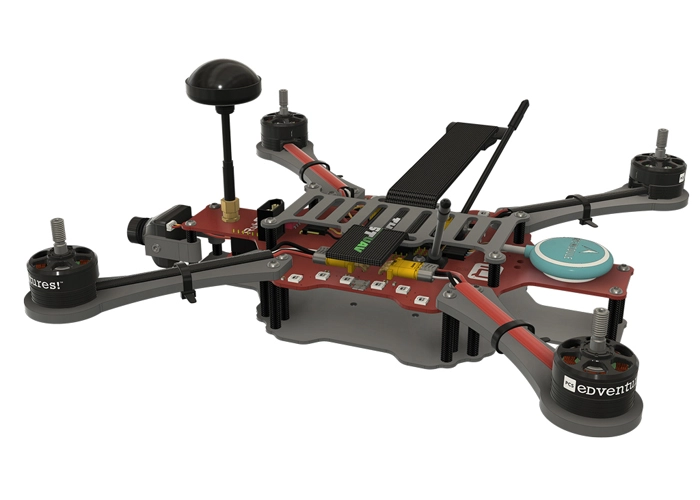
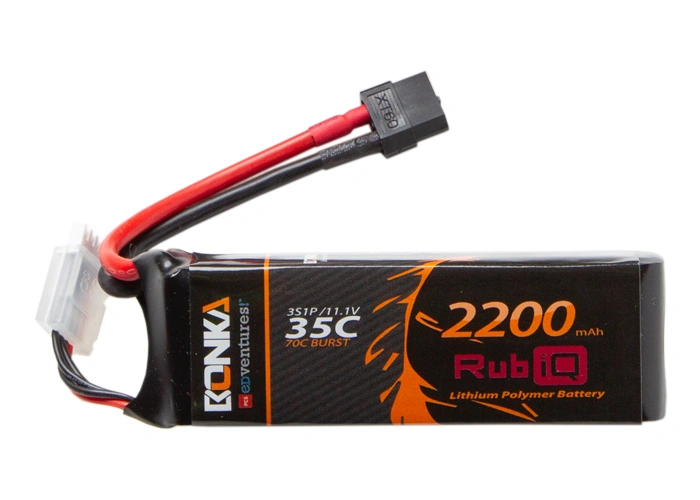
Steps:
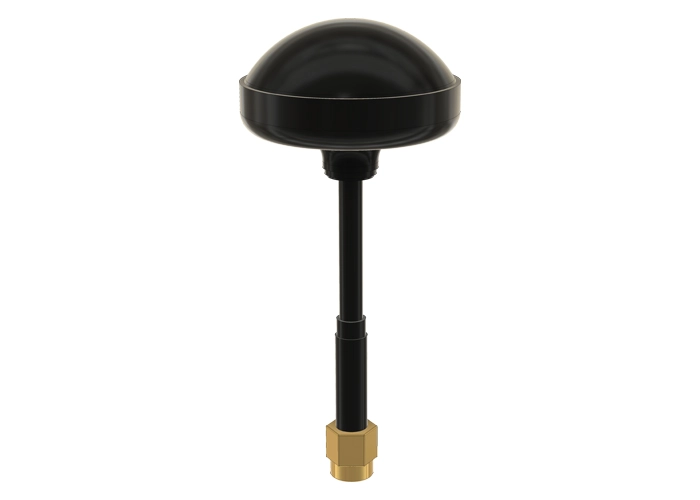
WARNING! Remove props and attach the antenna before calibrating the ESC’s.
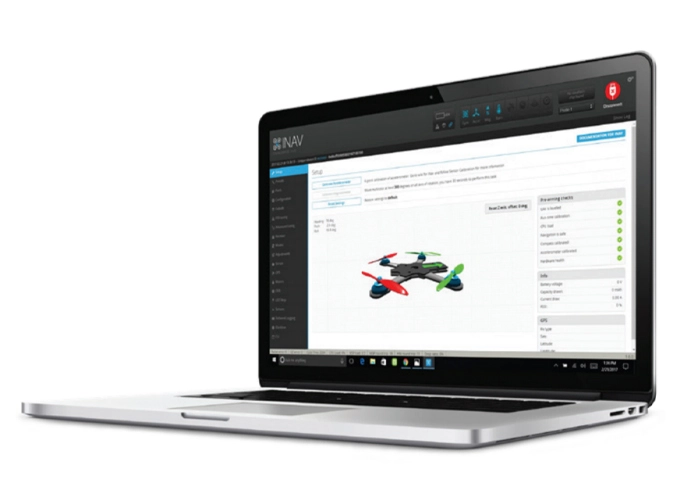
Connect RubiQ to INAV without a battery (or disconnect the battery if continuing from Step 6) and open the Motors tab.[/et_pb_text][et_pb_image src=”https://staging.resources.edventures.com/wp-content/uploads/2025/06/Motors-Tab-1.9.3.webp” title_text=”Motors-Tab-1.9.3″ show_in_lightbox=”on” _builder_version=”4.27.4″ _module_preset=”default” global_colors_info=”{}” theme_builder_area=”post_content”][/et_pb_image][et_pb_text _builder_version=”4.27.4″ _module_preset=”default” width=”100%” global_colors_info=”{}” theme_builder_area=”post_content”]
Calibrating the ESC’s sets the maximum and minimum throttle values:
- Read the Motor Test Mode Notice and toggle to verify that the propellers are removed before Enabling Motor Control.
- Slide the Master Control all the way to the top.
- Plug in the battery. Don’t be afraid! Rather than actually activating the motors, this sets the maximum throttle value for the ESC’s. A happy tone will play to signal that the calibration was successful.
- Move the Master Control all the way down to the bottom. This sets the minimum throttle value and triggers a second happy tone.
- If you’ve set the maximum and minimum throttle values correctly, RubiQ will finish singing and you can unplug the LiPo battery and disconnect the USB cable.
[/et_pb_text][/et_pb_column][/et_pb_row][/et_pb_section]