Configuration Guide: RubiQ 2.0 with Taranis X9 Lite

[et_pb_section fb_built=”1″ admin_label=”Curriculum” _builder_version=”4.17.6″ _module_preset=”default” global_colors_info=”{}”][et_pb_row column_structure=”3_5,2_5″ module_id=”digital-download” _builder_version=”4.17.6″ _module_preset=”default” global_colors_info=”{}”][et_pb_column type=”3_5″ _builder_version=”4.17.6″ _module_preset=”default” global_colors_info=”{}”][et_pb_text _builder_version=”4.27.4″ _module_preset=”default” hover_enabled=”0″ global_colors_info=”{}” sticky_enabled=”0″]

RubiQ Configuration Guide

Follow these steps to set up your RubiQ 2.0.

  • Sold from August 2020 – present
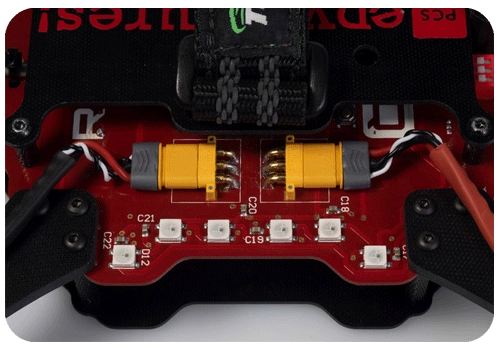
  • Horizontal, yellow motor connectors
  • Included a Taranis X9 Lite radio controller
  • Only compatible with the RubiQ Configurator
You may also view the RubiQ Configuration guide as a slideshow.[/et_pb_text][/et_pb_column][et_pb_column type=”2_5″ _builder_version=”4.17.6″ _module_preset=”default” global_colors_info=”{}”][et_pb_image src=”https://staging.resources.edventures.com/wp-content/uploads/2025/06/RubiQ-2.0.webp” title_text=”RubiQ 2.0″ _builder_version=”4.27.4″ _module_preset=”default” global_colors_info=”{}”][/et_pb_image][/et_pb_column][/et_pb_row][/et_pb_section]

Not Enrolled

Course Includes

  • 19 Lessons